Case Study
Digital Clinic Platform
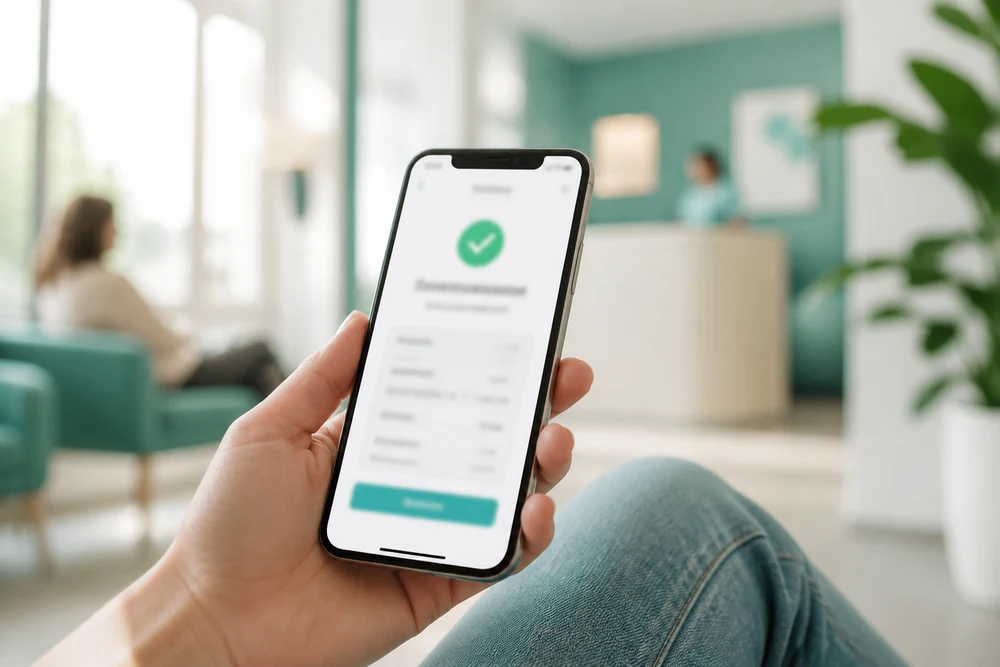
A connected digital clinic platform that brings appointments, consultations, patient records and clinic operations into one experience.
- 7 MonthsDelivery Timeline
- 11 MembersProject Team
- 4 InterfacesConnected Experiences

Project Overview
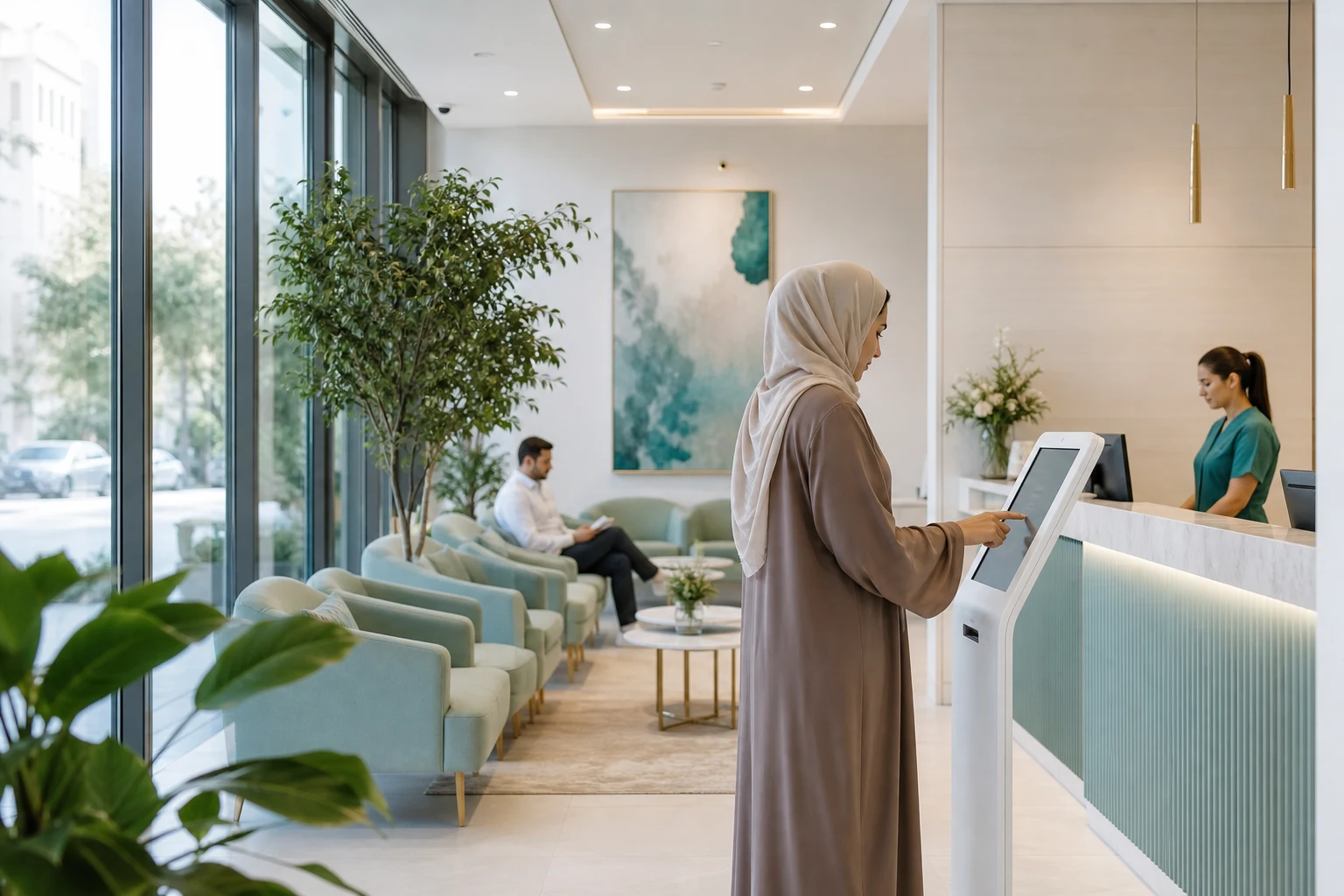
Digital Clinic Platform was developed for a private UAE healthcare operator that wanted to bring patient services and clinic administration into one digital environment. Patients could create profiles, find available doctors, book appointments, attend online consultations and review relevant visit information through their mobile interface. Doctors could manage schedules, review patient information and handle consultation workflows, while clinic teams used a web dashboard for appointments, records and operational tasks. Techanic Infotech designed the platform around the practical needs of UAE clinics, where patients may expect online access while clinic staff still manage appointments, doctor availability and follow up activities across busy working days.
Project Idea
The business idea was to give the clinic a stronger digital channel for routine patient interactions. The platform brought appointment booking, doctor availability, online consultations and patient communication into one connected service rather than requiring separate tools for different stages of care.
Clinic operations can become difficult to coordinate when appointment schedules, patient information and consultation activities sit across disconnected systems. Patients need to know when a doctor is available, clinic staff need accurate schedules and doctors need the right information before a consultation. Any gap can create additional calls, manual updates or avoidable appointment confusion.
Techanic Infotech connected these workflows through shared patient, doctor and appointment information. Patients could select suitable appointment slots, receive updates and join consultations online, while doctors could manage schedules and review relevant patient details. Clinic administrators received a central interface for coordinating appointments, users and operational information.
The product principle focused on clarity, accessibility and control. Patients needed a straightforward way to manage appointments, doctors needed focused tools for their working day and clinic teams needed visibility across schedules and requests. The experience was designed to reduce unnecessary steps while keeping important healthcare workflows structured and traceable.

Challenges
The platform needed to support patients with different levels of digital confidence. Some users were comfortable booking appointments online, while others needed clearer guidance around doctor selection, available slots and consultation access. The experience therefore had to remain simple while still showing enough appointment information for patients to make an informed choice.
Doctor availability was another operational challenge. Schedules can change because of leave, clinic hours, consultation duration or appointment adjustments. Techanic Infotech designed the scheduling workflow so availability could be managed centrally and reflected across patient booking journeys. This helped reduce conflicts between what patients could see and what clinic teams could actually fulfil.
Performance also mattered during periods when appointment demand increased, particularly after working hours and around weekends. Patients may check available slots, reschedule visits or access consultation details within a short period. The platform was designed to keep appointment searches, booking actions and status updates responsive while giving clinic teams consistent information across the connected interfaces.

Project Milestones We Achieved
| Milestone | Tasks | Timeline | Responsible |
|---|---|---|---|
| Project Discovery and Planning | Mapped patient journeys, reviewed clinic workflows, defined user roles and documented appointment and consultation requirements | Month 1 | Business Analyst and Product Manager |
| UI/UX Design | Designed patient booking flows, doctor schedules, consultation screens and clinic administration interfaces | Month 2 | UI UX Designer and Product Designer |
| Core Development | Built mobile interfaces, appointment services, doctor scheduling, patient profiles and clinic management capabilities | Month 3 to 4 | Flutter Developer and Backend Developer |
| Integrations and Testing | Connected notifications, video consultation services and cloud infrastructure, then tested booking and access scenarios | Month 5 to 6 | QA Engineer and Integration Engineer |
| Launch and Optimization | Prepared production environments, supported clinic onboarding, monitored usage and refined appointment workflows after launch | Month 7 | Project Manager and DevOps Engineer |
Project Features
The platform was structured around the main actions patients, doctors and clinic teams perform throughout the appointment cycle. Each interface keeps its workflows focused while shared information keeps schedules, appointments and consultation activity aligned.
Patient Signup and Profile
Patients can create profiles, manage personal information and maintain relevant details needed for booking appointments and accessing clinic services.
Doctor Appointment Booking
Patients can browse available doctors, view suitable appointment slots and confirm bookings through a guided scheduling experience.
Online Consultations
Patients and doctors can access scheduled online consultations through a connected workflow with appointment details and consultation access information.
Doctor Schedule Management
Doctors can manage availability, review upcoming appointments and organise their working schedule through a focused professional interface.
Clinic Operations Dashboard
Clinic teams can manage appointments, doctor availability, patient activity and operational requests through a central web dashboard.
Appointment History
Patients can review previous and upcoming appointments, while clinic teams can access relevant appointment records for ongoing operational management.
Results
Techanic Infotech delivered a connected digital clinic platform across Android, iOS and Web, bringing patient booking, doctor scheduling, online consultations and clinic administration into one product. The launch gave the healthcare operator a stronger digital channel without separating patient and internal workflows.
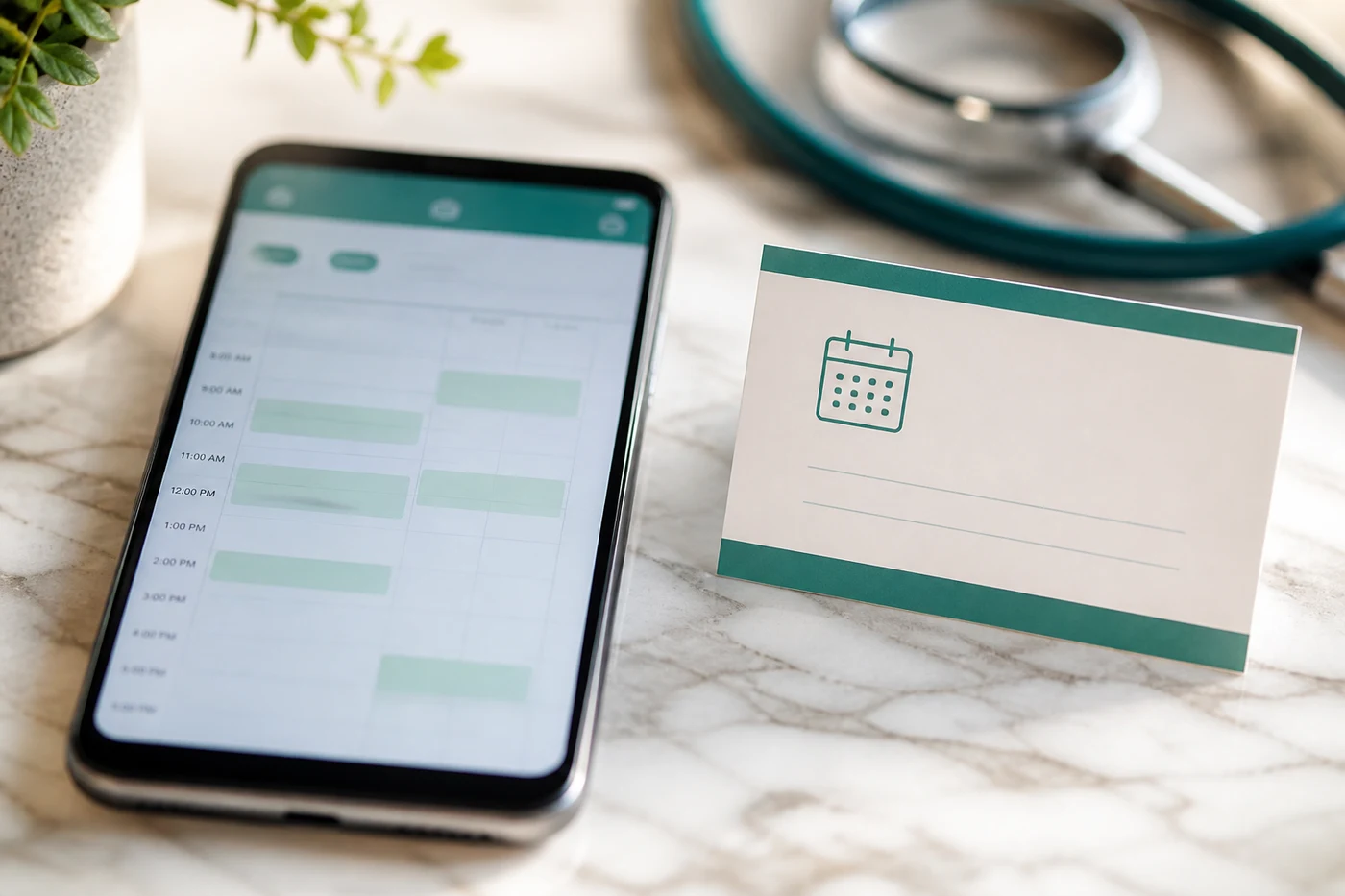
Operationally, the clinic gained a central view of appointments, doctor schedules and patient activity. Staff could manage common scheduling tasks from one interface, while doctors had clearer access to their upcoming appointments and availability. This helped reduce reliance on manual coordination for routine booking changes and schedule updates.
Patients received a more convenient way to find available appointments, manage bookings and access online consultations. The consistent flow made it easier to understand appointment status and reduced the number of steps needed for common interactions. Doctors also gained focused tools that supported their daily schedules without exposing unnecessary administrative controls.
The platform gives the client a foundation for expanding digital clinic services across the UAE without replacing the core system. Additional specialties, clinic locations, consultation services and patient support workflows can be introduced within the existing architecture as operational requirements grow.

Development Process
Explore
- UAE healthcare behaviour
- Patient service expectations
- Clinic workflow needs
- Patient journey mapping
- Doctor workflow planning
- Appointment process mapping
Implement
- Clear booking screens
- Simple consultation access
- Focused clinic controls
- Patient service layer
- Scheduling workflow development
- Administration portal
Execute
- Booking scenario testing
- Schedule conflict checks
- Access permission validation
- Production readiness checks
- Clinic onboarding support
- Usage monitoring
Typography & colors
Plus Jakarta Sans
ABCDEFGHIJKLMNOPQRSTUVWXYZ
abcdefghijklmnopqrstuvwxyz
1234567890
Primary
#0F766E
Secondary
#14B8A6
Tertiary Color
#CCFBF1
Icons Color
#111827
Text Color
#ffffff
Background Color
#ffffff
App Visuals
Dermatology
Dr. Hana · Al WaslReference
#DC332Stay up to date with clinic alerts
Clinic
Slots open this evening
You are almost there
Tech Stack
The technology stack was selected to support appointment search, schedule updates, online consultation workflows and a consistent mobile and web experience. Flutter powered the mobile interfaces, NestJS handled backend services, PostgreSQL stored structured patient and appointment data, Redis supported fast access to active schedules and session information, and AWS provided the infrastructure for deployment, monitoring and controlled scaling.
- Flutter
- NestJS
- PostgreSQL
- Redis
- AWS
Have an Idea for a Scalable Platform?
Techanic Infotech can build digital healthcare products around practical patient journeys and clinic operations.
Talk to Our Experts